

Phoenix Contact PLCnext Modbus TCP Troubleshooting: Connection and Data Mapping
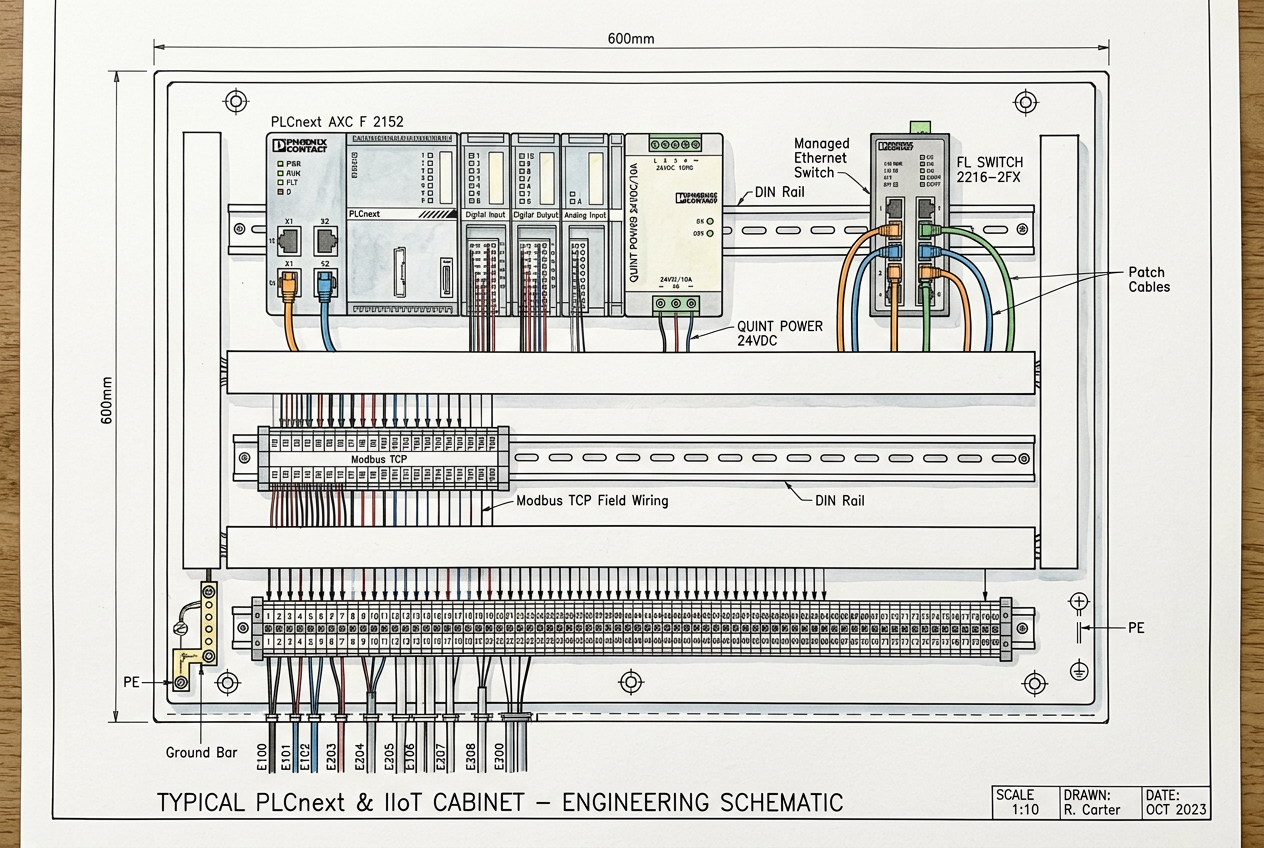
Phoenix Contact PLCnext Modbus TCP Troubleshooting: Connection and Data Mapping
Practical diagnostics for gateway connections, register offsets, data interpretation, and reliable industrial data acquisition.
How is the Modbus TCP communication data path structured in Phoenix Contact PLCnext systems?
Phoenix Contact PLCnext technology provides an open industrial automation ecosystem uniting deterministic controller operation with modern edge computing. When communicating with field devices or SCADA networks, industrial installations typically rely on the PLCnext Edge Gateway Modbus driver or native PLCnext Engineer communication function blocks, powered by clean 24V DC control power from systems like the QUINT-PS 24V DC power supply backed by a QUINT-ORING redundancy module.
Before troubleshooting, clearly define client (master) and server (slave) roles across the communication link. Verify whether your architecture uses the PLCnext Edge Gateway driver for cloud/IoT aggregation or standard Modbus TCP communication blocks inside PLCnext Engineer. Firmware revisions and project configurations stored on local memory cards, such as the Phoenix Contact CF Flash card, dictate exact driver capabilities and supported register counts.
Why do Modbus TCP connection failures occur, and how do you diagnose them?
A Modbus TCP connection error can stem from network routing barriers, firewall rules, server capacity limits, or mismatched driver parameters. To pinpoint the root cause:
- Verify IP addressing and subnets: Confirm that the PLCnext controller and target server reside on reachable subnets with correct subnet masks and default gateways.
- Check physical cabling and surge protection: Inspect RJ45 Ethernet link lights and verify signal integrity across instrument panels, ensuring data lines pass through tested protection such as Phoenix Contact TTC surge protection devices.
- Validate TCP port access: While Modbus TCP conventionally uses port 502, verify that custom firewalls, NAT routers, or server instances are not configured for alternate ports.
- Inspect driver connection status: PLCnext diagnostic LEDs and software status flags indicate whether the connection is established, disconnected, or stuck in a reconnect loop.
- Review connection logs: Check PLCnext system diagnostic logs (/var/log/messages) and driver diagnostics for socket error codes (e.g., connection refused, timeout, or reset by peer).
Remember that establishing a successful socket connection does not guarantee data validity. You must verify application-layer register polling after the link turns green.
How do you resolve register offset discrepancies and data type mismatches?
Even with an established TCP connection, incorrect register indexing or data formatting causes read failures (Exception Code 02) or wildly inaccurate process readings:
- Reference official register maps: Always consult the exact Modbus map provided by the third-party equipment manufacturer rather than guessing standard addresses.
- 0-based offsets vs. 1-based register references: Documentation often lists Holding Registers starting at 40001 (PLC notation), whereas PLCnext drivers frequently expect a 0-based offset (e.g., offset 0 represents register 40001). Misinterpreting this offset shifts all data points by one position.
- Function code selection: Ensure each tag is assigned to the correct table (Coils FC01, Discrete Inputs FC02, Holding Registers FC03, or Input Registers FC04).
- Byte and word endianness: Multi-register data types (such as 32-bit INT, DWORD, or IEEE 754 float) require consistent byte and word ordering (Little-Endian vs. Big-Endian). Mismatched endianness yields scrambled floating-point numbers.
- Raw data verification: Compare raw integer register counts against known transmitter readings via knife-disconnect terminal blocks before applying engineering unit scaling.
What causes polling delays and communication timeouts on PLCnext?
An improperly configured polling cycle can overload slave devices or cause sluggish screen updates on local dashboards:
- Align polling with process dynamics: Fast processes (such as motor drives) require rapid polling (100–500 ms), whereas environmental sensors (temperature, tank levels) operate reliably on 1–5 second intervals.
- Prevent slave request queuing: If the PLCnext client polls faster than the server can process and reply, requests queue up, resulting in response timeouts and connection resets.
- Monitor network loading: Group adjacent registers into contiguous block reads (e.g., reading 10 consecutive registers in one request) rather than issuing 10 individual single-register requests.
- Verify recovery behavior: Ensure the driver automatically re-establishes polling after a transient server power cycle without requiring a controller reboot.
What safe procedures should be followed when applying configuration changes?
Applying changes to an operational PLCnext installation requires structured change management:
- Backup configurations: Export the current PLCnext project and gateway configuration files before making edits.
- Targeted adjustments: Modify only the specific confirmed parameters (such as offset or polling cycle) rather than overhauling the entire driver mapping.
- Live validation: Cross-check values directly against local equipment readings and DCS/SCADA alarms.
- Document modifications: Record updated IP addresses, register offsets, and software revisions in site documentation for future maintenance.
Never perform live IP reconfigurations or gateway reboots during critical plant operation without an approved risk assessment.
What are the primary recommendations for PLCnext Modbus TCP reliability?
Reliable Modbus TCP communication on Phoenix Contact PLCnext controllers hinges on separating physical network integrity from application-level data mapping. By confirming IP connectivity, standardizing 0-based register offsets, matching multi-byte endianness, and optimizing block polling cycles, automation engineers ensure robust and uninterrupted data acquisition.


