

Yokogawa Centum DCS Integration with Allen-Bradley ControlLogix via OPC UA: Configuration and Troubleshooting Guide
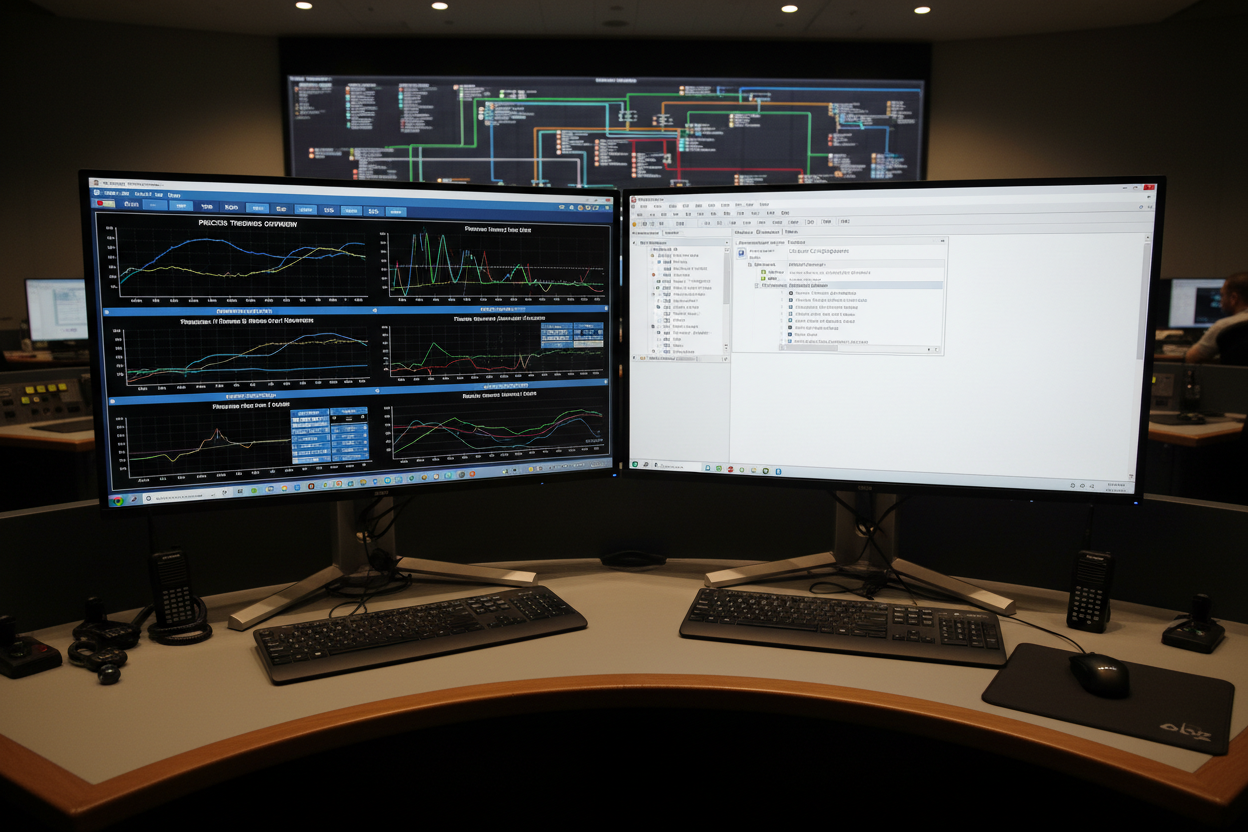
Practical OPC UA server setup on Allen-Bradley ControlLogix 5580 and CENTUM VP tag integration steps for hybrid plant control environments
Introduction: Why OPC UA for Yokogawa and Allen-Bradley Integration
Modern process plants often operate hybrid control systems. A Yokogawa CENTUM VP DCS manages the core process. An Allen-Bradley ControlLogix PLC handles specialized machinery. Connecting these two platforms requires a standardized, secure, and reliable communication protocol. OPC UA (Open Platform Communications Unified Architecture) is the industry-standard choice for this integration. It provides platform-independent data exchange, built-in security (authentication and encryption), and standardized information models. This guide covers the practical configuration steps for integrating Yokogawa CENTUM VP with Allen-Bradley ControlLogix 5580 via OPC UA.
OPC UA Architecture for CENTUM VP and ControlLogix Integration
CENTUM VP acts as the OPC UA client. The Allen-Bradley ControlLogix 5580 acts as the OPC UA server. This role assignment is important. The DCS (client) initiates read and write requests to the PLC (server). The ControlLogix 5580 controller must have the Studio 5000 v33 or later firmware to support the embedded OPC UA server feature. The OPC UA server runs directly on the controller module. No additional hardware is required for small-scale integrations (up to 500 tags).
The key advantage of this architecture is that the OPC UA server on the ControlLogix exposes controller tags directly. CENTUM VP can subscribe to these tags using the IOPServer function. This eliminates the need for intermediate gateway hardware. The OPC UA connection uses TCP port 4840 by default. The data update rate can be configured from 100ms to 60s depending on the process control requirements.
Security in OPC UA is handled through certificate exchange. The ControlLogix OPC UA server uses X.509 certificates for client authentication. CENTUM VP must present a valid client certificate. The connection must also use encryption (AES-128 or AES-256) for all data transfers.
Step 1: Enable and Configure OPC UA Server on Allen-Bradley ControlLogix 5580
This step configures the OPC UA server on the ControlLogix controller. Studio 5000 is the engineering software used for this configuration.
- Open Studio 5000 Logix Designer and connect online to the target ControlLogix 5580 controller (1756-L85E or equivalent)
- In the Controller Properties window, navigate to the General tab and enable the OPC UA Server feature. Set the server port to 4840
- Configure the security policy. Select "Basic256Sha256" as the minimum security policy. Enable "Sign and Encrypt" for all sessions
- In the OPC UA Server > Security tab, generate a self-signed server certificate. Export the client trust list as a .P7C file for later import into CENTUM VP
- Define the tag exposure list. Add controller tags (e.g., Motor_Speed, Valve_Position, Alarm_Status) to the OPC UA tag list using the Tag Browser
- Set the access level for each tag (ReadOnly, ReadWrite). Complex structures like UDTs (User-Defined Types) are automatically mapped to OPC UA data types
Step 2: Configure CENTUM VP as OPC UA Client
This step configures CENTUM VP to connect to the ControlLogix OPC UA server. The Yokogawa engineering station uses the CENTUM VP Engineering Tool (VE-UX) for this configuration.
- Open the CENTUM VP VE-UX engineering tool. Open the project for the target plant area
- Navigate to System Configuration > IOPServer > OPCUA Client. Add a new OPC UA connection profile
- Enter the ControlLogix controller IP address (e.g., 192.168.1.50) and OPC UA server port 4840
- Import the ControlLogix client trust certificate (.P7C file) into the CENTUM VP OPC UA client trust store
- Generate and export the CENTUM VP client certificate from VE-UX. Import this certificate into the ControlLogix trusted clients list via Studio 5000
- Create IOPServer data points for each tag. Map the ControlLogix tag names (e.g., [Controller]Program:MyProgram.Motor_Speed) to CENTUM VP I/O tags with appropriate data types (REAL for floating-point, DINT for integer)
- Set the scan interval (recommended 500ms for critical process data, 2000ms for non-critical supervisory data)
- Download the CENTUM VP configuration and perform a cold start to activate the OPC UA connection
Step 3: Verify Communication and Common Integration Issues
After configuration, verification is essential. Use the diagnostic tools in both platforms to confirm a healthy OPC UA session.
- In Studio 5000, open the OPC UA Diagnostics tab under Controller Properties. Check "Session Status" — it should show "Connected" with the CENTUM VP client endpoint
- In CENTUM VP VE-UX, use the IOPServer Monitor to check the tag values. All subscribed tags should show valid (non-stale) values with timestamps
- Test a write operation by changing a ControlLogix tag value from CENTUM VP. Verify the value updates in Studio 5000 tag monitor within one scan interval
Troubleshooting Common OPC UA Integration Faults
Issue 1: Connection refused — certificate trust mismatch. The most common integration failure. CENTUM VP cannot connect to the ControlLogix OPC UA server because the client certificate is not trusted by the server. Solution: In Studio 5000, go to Controller Properties > OPC UA Server > Security > Trusted Clients. Verify the CENTUM VP client certificate .P7C file is imported. If the connection still fails, enable the "Accept Untrusted Certificates" option temporarily for testing, then resolve the root cause.
Issue 2: Tags show stale values after a controller mode change. This happens when the ControlLogix controller transitions from Run mode to Program mode. The OPC UA server pauses during the mode transition. Set the OPC UA server to remain active during program mode changes in Studio 5000 Controller Properties. Also configure a watchdog timeout in CENTUM VP to trigger an alarm if tag values remain stale for more than 5 seconds.
Issue 3: High CPU utilization on ControlLogix controller after enabling OPC UA. The embedded OPC UA server consumes controller resources. Monitoring 500+ tags at 100ms scan rate can overload a 1756-L85E controller. Solution: Reduce the scan rate to 1000ms for non-critical tags. For large tag counts (over 1000), consider using an external OPC UA gateway such as Kepware or Matrikon rather than the embedded server.
Performance Optimization and Best Practices
Effective OPC UA integration requires attention to tag count, scan rate, and network design. First, only expose tags that are actually needed by CENTUM VP. Do not expose all controller tags. This reduces the attack surface and improves performance. Second, use UDTs (User-Defined Types) to structure related data. OPC UA automatically maps UDTs to hierarchical address space, making tag browsing intuitive in the CENTUM VP IOPServer configuration tool.
Network design also matters. Place the ControlLogix and CENTUM VP stations on the same VLAN. Avoid routing OPC UA traffic through plant-wide firewalls. If the connection spans multiple subnets, configure a secure OPC UA tunnel using a VPN. The OPC UA protocol already includes encryption. However, an additional VPN layer adds defense-in-depth for IT/OT network segmentation.
Finally, implement a monitoring dashboard for the OPC UA connection health. Use the built-in CENTUM VP alarming function to generate a "OPC UA Session Down" alarm if the connection drops for more than 5 seconds. This ensures operators are immediately notified of any communication failures between the DCS and the PLC.
Conclusion & Action Advice
Integrating Yokogawa CENTUM VP with Allen-Bradley ControlLogix via OPC UA is a robust solution for hybrid control environments. It provides standardized, secure, and scalable data exchange without proprietary gateway hardware. However, proper certificate management, tag configuration, and performance tuning are essential for a reliable integration. Therefore, always follow the certificate exchange procedure carefully. Monitor tag staleness and OPC UA session status continuously. Document all integration parameters and test results. This documentation supports both regulatory compliance and future troubleshooting efforts.
Action Checklist
- Enable OPC UA session monitoring in CENTUM VP with stale value alarms
- Limit exposed tag count to only process-critical data (under 500 tags per controller for embedded OPC UA)
- Schedule quarterly verification of OPC UA certificate validity on both platforms
- Maintain a backup of both Studio 5000 and CENTUM VP project files with OPC UA configuration intact


