

Allen-Bradley EtherNet/IP Configuration Guide: Connecting ControlLogix to Schneider SCADA Systems
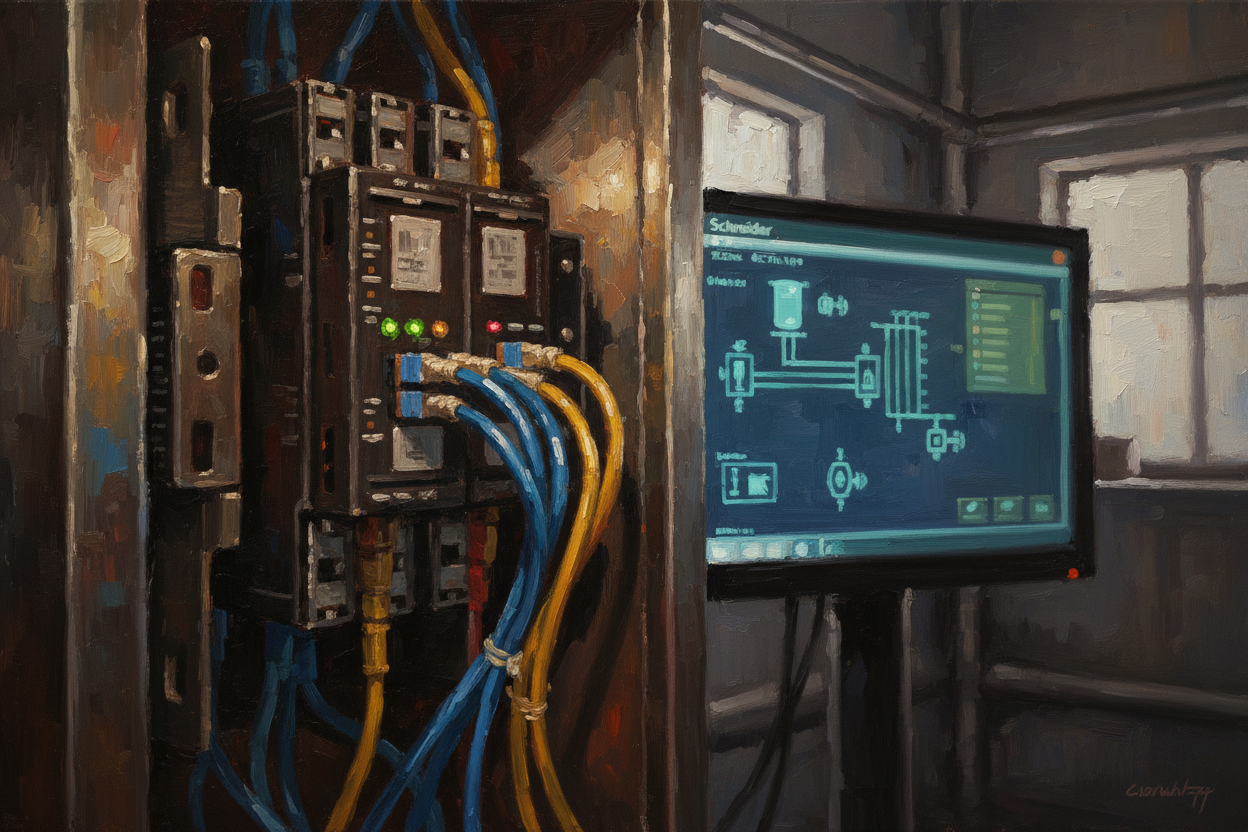
Practical Integration of Allen-Bradley PLCs with Schneider Platform via EtherNet/IP Explicit Messaging and CIP Routing
Introduction
Allen-Bradley ControlLogix and CompactLogix PLCs from Rockwell Automation are widely deployed across process industries. Integrating these controllers with Schneider Electric SCADA systems—such as Vijeo Citect or EcoStruxure Operator Terminal Expert—requires proper EtherNet/IP configuration. This guide covers the complete setup using Rockwell's Studio 5000 and Schneider's configuration tools, with practical steps for establishing reliable data exchange.
EtherNet/IP Communication Architecture
EtherNet/IP uses the Common Industrial Protocol (CIP) as its application layer. Data exchange between Allen-Bradley and Schneider devices occurs through CIP connections—both implicit (I/O) connections for high-speed cyclic data and explicit messaging for on-demand read/write operations. The Schneider SCADA typically uses CIP explicit messaging to poll tags from the Allen-Bradley controller via the standard CIP object model.
The critical configuration point is the IP address assignment and the CIP connection path. Schneider SCADA systems access Allen-Bradley controllers through an EtherNet/IP native interface or through an OPC UA server. Understanding the CIP addressing scheme—path segments, logical segments, and port segments—is essential for configuring cross-vendor communication.
Step 1: Configure the Allen-Bradley Controller EtherNet/IP Port
- Open Studio 5000 Logix Designer and connect online to the ControlLogix or CompactLogix controller.
- Navigate to the controller properties and assign a static IP address to the EtherNet/IP port (e.g., 192.168.1.101/24).
- Ensure the IP address is on the same subnet as the Schneider SCADA server.
- Verify that the Ethernet port is enabled and set to "Online" mode.
- Confirm the CIP Revision in controller properties is compatible with the Schneider SCADA driver (CIP Revision 1.3 or later recommended).
Step 2: Define and Tag Data in Studio 5000 for External Access
- Create program tags in the Controller Tags section for all data intended for SCADA access.
- Set the External Access property to "Read/Write" or "Read Only" as required for each tag.
- Organize tags into structures (UDTs) matching the Schneider device data types for efficient batch configuration.
- Download the tag database to the controller and verify tag names are visible in the online tag monitor.
- Assign meaningful tag descriptions to support SCADA engineering documentation.
Step 3: Configure the Schneider SCADA EtherNet/IP Driver
- Open Vijeo Citect or EcoStruxure Operator Terminal Expert and add a new device using the EtherNet/IP driver.
- Enter the Allen-Bradley controller IP address and define the CIP connection path (e.g., backplane=0, slot=0 for the processor).
- Import the Allen-Bradley tag list via the EDS file or CSV import to auto-create SCADA tags matching the controller tags.
- Set the poll group scan time (recommended: 250 ms for process variables, 1 s for setpoint and mode tags).
- Configure deadband values to reduce unnecessary data transmission for analog tags.
Step 4: Test and Validate Communication
- Use the Studio 5000 tag browser to verify the controller is accessible on the network from the SCADA server PC.
- Force values in Studio 5000 online mode and confirm the values update in the Schneider SCADA graphic.
- Test write operations from the SCADA operator screen to confirm bidirectional data flow.
- Monitor the EtherNet/IP communication status in both Studio 5000 and the Schneider SCADA driver diagnostics.
- Document all tag mappings in the SCADA I/O device configuration sheet for future maintenance reference.
Troubleshooting Cross-Vendor EtherNet/IP Issues
The most common communication failure between Allen-Bradley and Schneider systems is a subnet mismatch. First, verify that the SCADA server PC has an Ethernet interface on the same subnet as the Allen-Bradley controller. Second, check that the Windows firewall or any industrial security software permits CIP traffic on ports 2222 and 44818. If explicit messaging fails with a "Connection Resource" error, the Allen-Bradley controller's maximum CIP connection limit may have been reached—reduce the number of connected clients or increase the connection limit in the controller properties.
Silent data mismatches—when the SCADA shows a value but the controller shows a different value—usually indicate a tag name mismatch or an incorrect data type definition. Schneider SCADA often defaults to INT data types while Allen-Bradley uses REAL for floating-point values. Always verify the data type mapping between the two systems before accepting a communication test as passed.
Conclusion & Action Advice
Integrating Allen-Bradley EtherNet/IP with Schneider SCADA requires careful IP planning and tag configuration on both sides. First, verify network connectivity and subnet alignment before configuring any CIP communication. Second, use external access tags in Studio 5000 and validate tag names in the online monitor before SCADA configuration. Moreover, import the tag list via CSV to reduce manual entry errors. However, always perform end-to-end forced-value tests before accepting the integration as complete. Therefore, schedule a communication validation test during a plant turnaround to avoid interfering with production. Finally, implement a daily communication health check in the SCADA alarm system to detect EtherNet/IP connection losses before operators report them.


