

Integrating a PowerFlex 525 Drive over EtherNet/IP in Studio 5000: IP Setup, Produced Tags, and RPI Tuning
Why Producer/Consumer Fits EtherNet/IP
EtherNet/IP uses the Common Industrial Protocol, CIP. It sends data as produced and consumed tags. Many controllers share one message at the same time.
First, the drive produces its status. Second, the ControlLogix consumes it. Moreover, the PLC produces a command the drive consumes. This model scales well.
However, standard TCP traffic shares the same cable. Therefore, use a managed switch with VLAN. Finally, keep the drive network separate from the office LAN.
Setting the Drive IP and Network
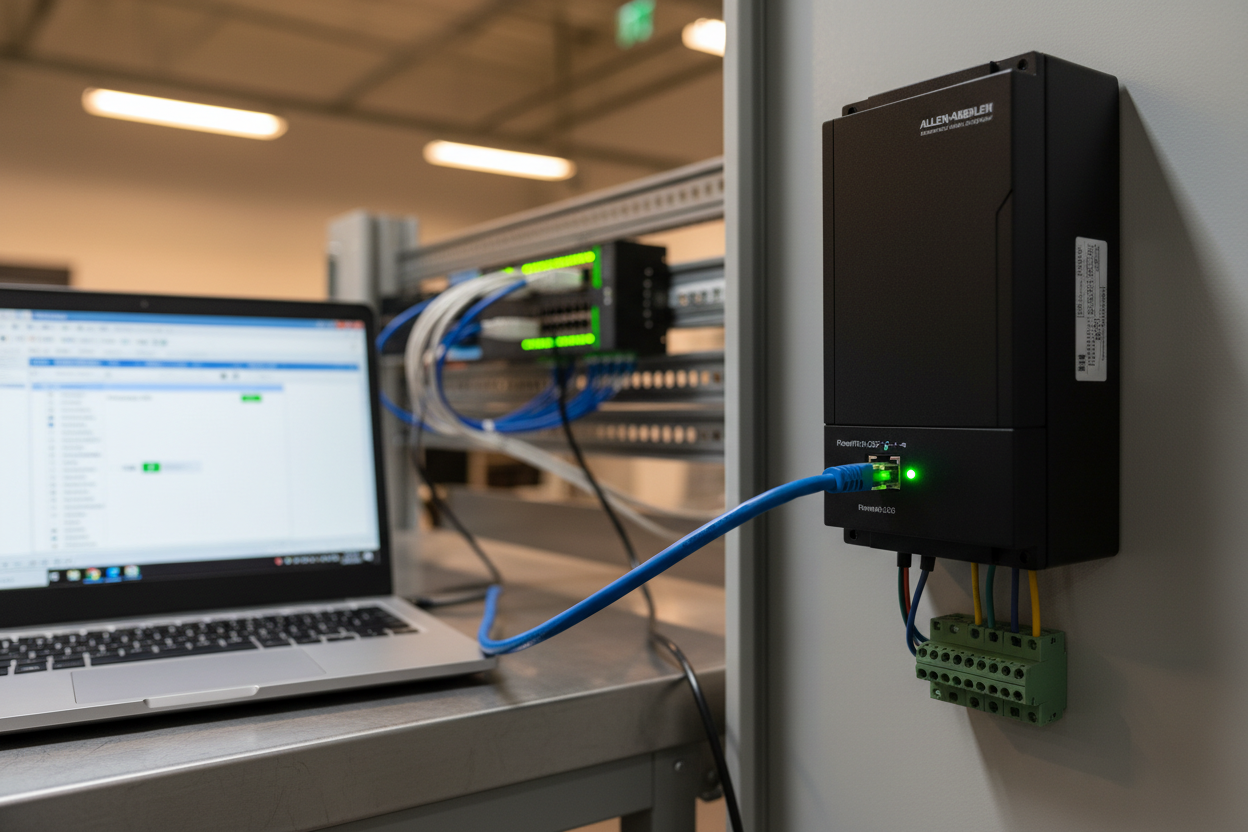
The PowerFlex 525 has a built-in EtherNet/IP port. You set the address with the HIM keypad or with BootP and RSLinx.
First, assign a fixed IP in the machine subnet. Second, set the subnet mask to 255.255.255.0. Moreover, set the gateway only if routing is needed.
Step 1: Power the drive and enter the IP parameters on the keypad.
Step 2: Ping the address from the engineering laptop.
Step 3: Add the drive in RSLinx via the EtherNet/IP browser.
However, a duplicate IP will drop both nodes. Therefore, keep an IP table. Finally, disable DHCP on the drive before commissioning.
Step-by-Step Configuration in Studio 5000
Configure the drive from the controller project. The add-on profile creates the tags automatically.
Step 1: Right-click the Ethernet module and add a generic device.
Step 2: Select the PowerFlex 525 EDS file from the list.
Step 3: Map the produced and consumed tag sizes to the profile.
Step 4: Set the Requested Packet Interval (RPI) to 20 ms.
Step 5: Download and toggle the drive from the HMI.
First, confirm the connection shows running. Second, watch the fault code word. Moreover, test a speed ramp from zero. Therefore, you prove the link. Finally, save the project with a version note.
Tuning the RPI and Handling Faults
The RPI controls how often data exchanges. A small RPI gives fast response. A large RPI reduces network load.
- Start at 20 ms for motion applications.
- Raise it to 100 ms for simple fans or pumps.
- Match the RPI to the process requirement.
Step 1: If the connection times out, raise the RPI slightly.
Step 2: If the drive faults 33, check the interlock wiring.
Step 3: If comms drop, inspect the cable and the switch port.
However, do not mask a fault with a long RPI. Therefore, fix the root cause. Finally, document the tuned value on the panel door.
Adding Device Level Ring for Uptime
A single cable break stops the line. Device Level Ring (DLR) gives a backup path with fast recovery.
First, connect the drive to two ring ports. Second, enable DLR on the switch. Moreover, set the supervisor to the controller module.
However, DLR needs a compliant switch. Therefore, verify the hardware list. Finally, test a cable cut during a planned stop.
Implicit Versus Explicit Messaging
EtherNet/IP offers two message types. Implicit messaging is cyclic and fast — it suits real-time I/O like drive control. Explicit messaging is request-response and slower.
- Use implicit messaging for the run command and speed feedback.
- Use explicit messaging for parameter reads and diagnostics.
However, too much explicit traffic raises the RPI load. Therefore, poll parameters only on demand. Finally, monitor the connection status bit in the program.
Conclusion & Action Advice
EtherNet/IP makes drive integration clean in Studio 5000. Set a fixed IP and disable DHCP. Import the 525 profile and map the produced tags. Tune the RPI to the application and never hide a fault behind a long interval. Add DLR for resilience. Use the checklist above for a fast, repeatable startup that keeps the line running.
Author: Wang Xiaolei is an industrial automation engineer with over 10 years of experience in PLC, DCS, and control systems.


