

IEC 62443 OT Patch Management for Schneider Modicon M580 and Phoenix Contact mGuard Firewalls
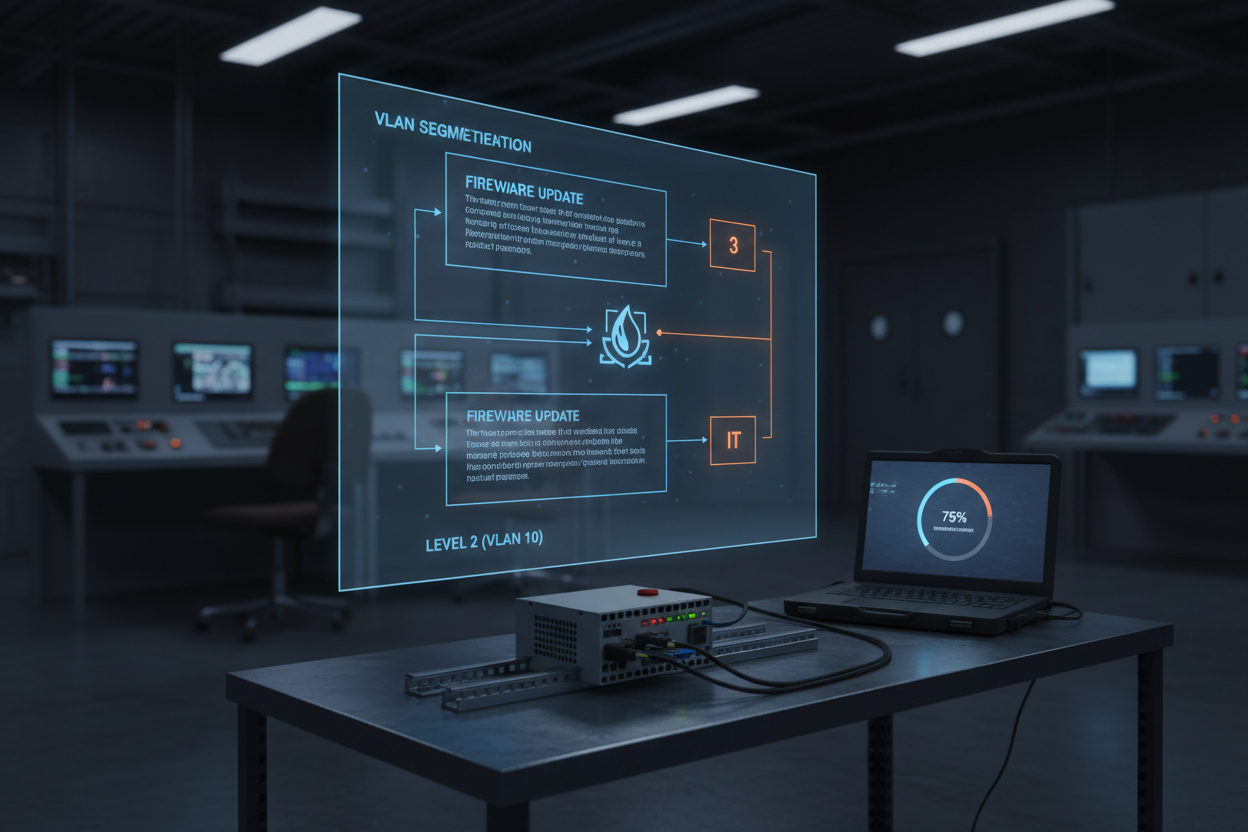
A practical IEC 62443-2-3 compliant patch management workflow for Schneider Modicon M580 PLCs and Phoenix Contact FL mGuard RS4000 firewalls — including CVSS risk scoring, staged test procedures, rollback protocols, and change control documentation.
Why OT Patch Management Is Different from IT
Patching an IT server takes minutes. Patching a running PLC in a process plant can trigger a production shutdown. IEC 62443-2-3 addresses this difference directly. It defines patch management as a continuous lifecycle process, not a one-time event. The standard requires asset owners to assess risk before applying any patch. CVSS v3.1 scoring provides a quantitative basis for prioritization.
Schneider Modicon M580 firmware vulnerabilities appear in the ICS-CERT ADVISORIES database at regular intervals. In 2024, three advisories affected M580 firmware versions below 3.30. The most critical reached CVSS 9.8. Phoenix Contact FL mGuard RS4000 had two advisories in the same period. Both systems sit in EtherNet/IP Level 2 networks in process plants. Patching one affects EtherNet/IP CIP connectivity to the entire I/O network. Therefore, a structured procedure prevents uncontrolled risk.
Patch Risk Assessment and CVSS Scoring
Before any patch action, evaluate the advisory with four criteria: CVSS base score, attack vector, exploitability, and availability impact. A score above 7.0 requires action within 30 days. A score above 9.0 requires emergency patching within 72 hours.
Use the Schneider Electric PSIRT service for M580 advisories. Use the Phoenix Contact Security Portal for mGuard advisories. Both publish vendor-confirmed CVSS scores and remediation steps.
Additionally, assess existing compensating controls. If mGuard already blocks UDP port 502 externally, a Modbus vulnerability in M580 has reduced network exploitability. Adjust the effective risk score and document compensating controls in the IEC 62443-2-1 risk register.
Staged Patch Testing Procedure
Never apply a firmware update directly to a production M580 or mGuard. Use a staged approach: lab validation, staging environment, then production. Follow these steps:
- Step 1: Download the M580 firmware package from the Schneider Electric Exchange portal. Verify the SHA-256 hash against the published value. Record the hash in the change control ticket. For FL mGuard firmware, download from the Phoenix Contact Software Center and verify the MD5 checksum.
- Step 2: Apply the firmware to an identical M580 unit in a test lab. Use Unity Pro XL or EcoStruxure Control Expert to perform the firmware transfer via the USB service port at 115,200 baud. Monitor the transfer progress bar. Total transfer time is approximately 8 minutes for a full M580 BME P58 1020 firmware image.
- Step 3: After transfer, verify the firmware version in EcoStruxure Control Expert under PLC — Properties — Processor Version. Confirm it matches the target version from the advisory remediation table.
- Step 4: Execute a functional test protocol. Run a 4-hour automated I/O cycle test. Verify EtherNet/IP CIP implicit messaging to all remote I/O adapters. Confirm RPI (Requested Packet Interval) at 10 ms with no connection timeout alarms.
- Step 5: For the mGuard, backup the current firewall ruleset before patching. In the mGuard web interface, navigate to Management — Configuration Profiles — Export. Save the .tar.gz backup file to the change management server. Apply the firmware update via HTTPS (port 443). Verify all VLAN routing rules and IPsec tunnel configurations remain intact after reboot.
- Step 6: Document the test results in the change control record. Include before-and-after screenshots of firmware version and firewall rule counts. Obtain sign-off from the process owner and the OT security officer before scheduling production patching.
VLAN Segmentation and mGuard Firewall Policy Review
Phoenix Contact FL mGuard RS4000 supports stateful packet inspection and 802.1Q VLAN tagging. In a typical plant architecture, M580 sits in VLAN 10 (Level 2). Historian and workstations sit in VLAN 20 (Level 3). The mGuard enforces the VLAN 10/20 boundary.
Before patching, review the firewall ruleset for unnecessary open ports. Common misconfigurations include:
- TCP 102 (S7) unrestricted from VLAN 20 to VLAN 10 — block unless Siemens PG/PC access is required
- UDP 44818 (EtherNet/IP I/O) open bidirectionally — restrict to specific M580 and adapter IP pairs
- TCP 80 (HTTP) to mGuard interface from VLAN 20 — replace with TCP 443 HTTPS only
- ICMP unrestricted — limit to echo-request from the OT historian IP only
Enable mGuard Connection Logging for SIEM syslog via UDP 514 to VLAN 30. Confirm syslog continuity as part of post-patch validation. The BMENOC0311 Modicon M580 Network Module supports EtherNet/IP connectivity that must be verified after any firewall policy change.
Production Patch Execution and Rollback Protocol
Schedule production patching during a planned maintenance window. Transfer the M580 to manual mode. Confirm all PID loops are stable. Assign a dedicated operator for the 15-minute patch window.
Transfer M580 firmware via EcoStruxure Control Expert using the Ethernet management port. Do not use Modbus TCP port 502 for firmware transfer. The M580 reboots automatically. Reboot takes 45–60 s. Confirm RUN LED is solid green before releasing manual control.
For rollback, use Control Expert Menu — PLC — Restore Previous Version. This procedure takes 6 minutes. Confirm plant operations accept a 10-minute total downtime window in the change control approval. For mGuard rollback, import the saved .tar.gz profile via Management — Configuration Profiles — Import. All firewall rules restore within 90 s. Verify EtherNet/IP connectivity to the Modicon X80 EIO Drop Adapter immediately after restoration.
Conclusion and Action Advice
IEC 62443-2-3 patch management for OT systems demands discipline, not speed. Prioritize patches using CVSS v3.1 adjusted for compensating controls. Validate every firmware update in a test lab before production. Back up mGuard firewall rules before every update. Minimize production downtime by pre-staging firmware and preparing rollback procedures. Review firewall rules during each patch cycle to close unnecessary ports. Document all actions with as-found and as-left records signed by the OT security officer. This workflow keeps Schneider Modicon M580 and Phoenix Contact mGuard installations secure without compromising production availability.
Author: Zhang Hua is an industrial automation engineer with over 10 years of experience in PLC, DCS, and control systems.


