

How to Configure HART Protocol on Yokogawa CENTUM VP Field I/O Modules — A Practical Guide
Q: How Does HART Work on Yokogawa CENTUM VP Analog I/O Modules?
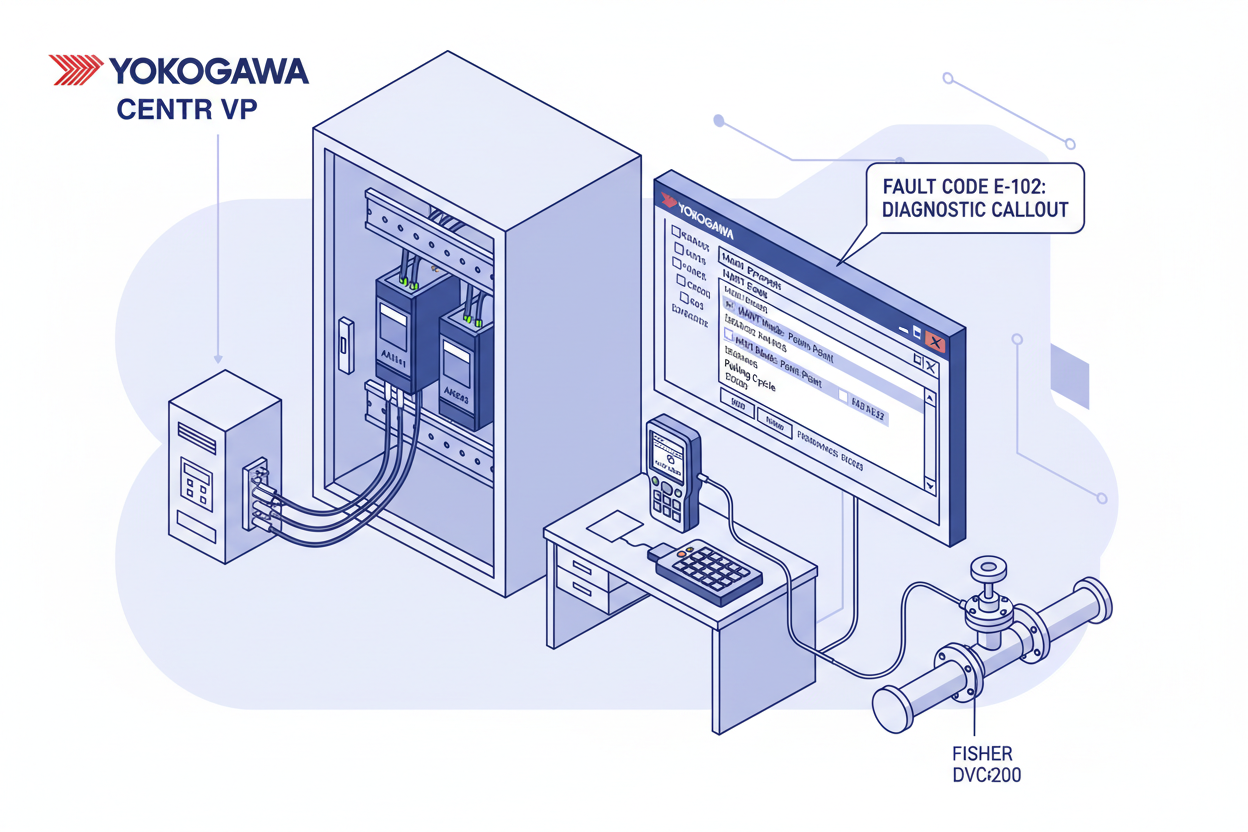
HART operates at 1200 bps FSK on a 4–20 mA signal. The Yokogawa AAI141 analog input module reads the analog current and extracts digital HART data simultaneously, supporting up to 16 HART variables per channel in multidrop mode. The AAI543 analog output module sends HART commands to smart valve positioners like Fisher DVC6200. The Yokogawa CENTUM VP AFV10D-S41201 Duplexed Field Control Unit and Yokogawa AFV10D-S41101 Duplexed Field Control Unit are the FCS node platforms that house the AAI141 and AAI543 I/O modules for HART field instrument integration. Check the module firmware level in the FCS diagnostic screen before starting — CENTUM VP supports HART 6 or HART 7 depending on firmware version.
Q: How Do I Wire the AAI141 Module for HART Communication?
- Step 1: Mount the AAI141 module into the FCS node. Confirm the slot position matches your I/O configuration drawing. Tighten the DIN rail clips firmly.
- Step 2: Connect the field HART transmitter to the AAI141 terminals. Install a 250-ohm resistor between terminals if the loop does not already include one — this converts the FSK signal for HART modem decoding.
- Step 3: Run shielded twisted-pair cable from the marshalling cabinet to the AAI141. Ground the shield at one end only to prevent ground loops that corrupt HART data.
- Step 4: For multidrop mode, wire up to four HART transmitters in parallel on the same channel. Set each transmitter to a unique HART address (0–15). Address 0 is the polling address in point-to-point mode.
Q: How Do I Configure HART in CENTUM VP Software?
- Step 5: Open the CENTUM VP engineering workstation. Navigate to System View and locate your FCS node. Double-click the AAI141 slot to open the module property window.
- Step 6: Set the HART mode parameter: choose “Point-to-Point” for single-transmitter loops or “Multidrop” for multiple devices. Enter the polling cycle time — a typical value is 5 seconds for 4 variables.
- Step 7: Map the HART PV (primary variable) to the process value tag in the DCS. Map secondary variables (SV, TV, QV) to auxiliary tags. Create these tags in the CENTUM VP tag database first.
- Step 8: Download the configuration to the FCS. A steady green LED confirms successful download. A blinking amber LED indicates a configuration error.
Q: What Are the Common Fault Codes and How Do I Fix Them?
- E-102 (HART communication timeout): The 250-ohm resistor is missing or the cable is too long. Reduce cable length below 1500 metres or install the resistor.
- E-115 (HART address conflict): Two transmitters on the same channel share the same polling address. Use a 375 or 475 HART communicator to read and reassign addresses.
- E-201 (AAI543 output current feedback error): The output current feedback differs from the command by more than 5%. Check for wiring faults or a defective current loop — verify loop resistance and terminal tightness before replacing the module.
Q: What Are the Commissioning Best Practices?
- Step 9: Use a handheld HART communicator to verify each transmitter before wiring to the DCS. Confirm PV reading, units, and tag match the P&ID.
- Step 10: Inject a known 4 mA and 20 mA signal at the marshalling panel. Verify the AAI141 reads these values within 0.1% tolerance. Document the calibration results.
- Step 11: Perform a loop test by driving the AAI543 output from 0% to 100% in 25% steps. Confirm the smart valve positioner follows each command. Check HART diagnostic data for valve travel, friction, and deadband warnings.
- Step 12: Archive the FCS configuration and tag database after commissioning. Store a backup copy on the engineering server and a USB drive.
What Is the Key Action Advice?
Proper wiring with a 250-ohm resistor is the foundation of reliable HART communication — verify this first before any software troubleshooting. Correct address assignment and polling configuration prevent the most common commissioning errors. Document HART diagnostics and fault codes to save hours during future troubleshooting. Review the HART status screen weekly during normal operation to catch degrading loops before they cause process upsets.
Author: Wei Zhang is an industrial automation engineer with over 10 years of experience in PLC, DCS, and control systems.


