

Yokogawa CENTUM VP: FOUNDATION Fieldbus Device Commissioning Guide
Q: What Does Foundation Fieldbus Enable in Yokogawa CENTUM VP?
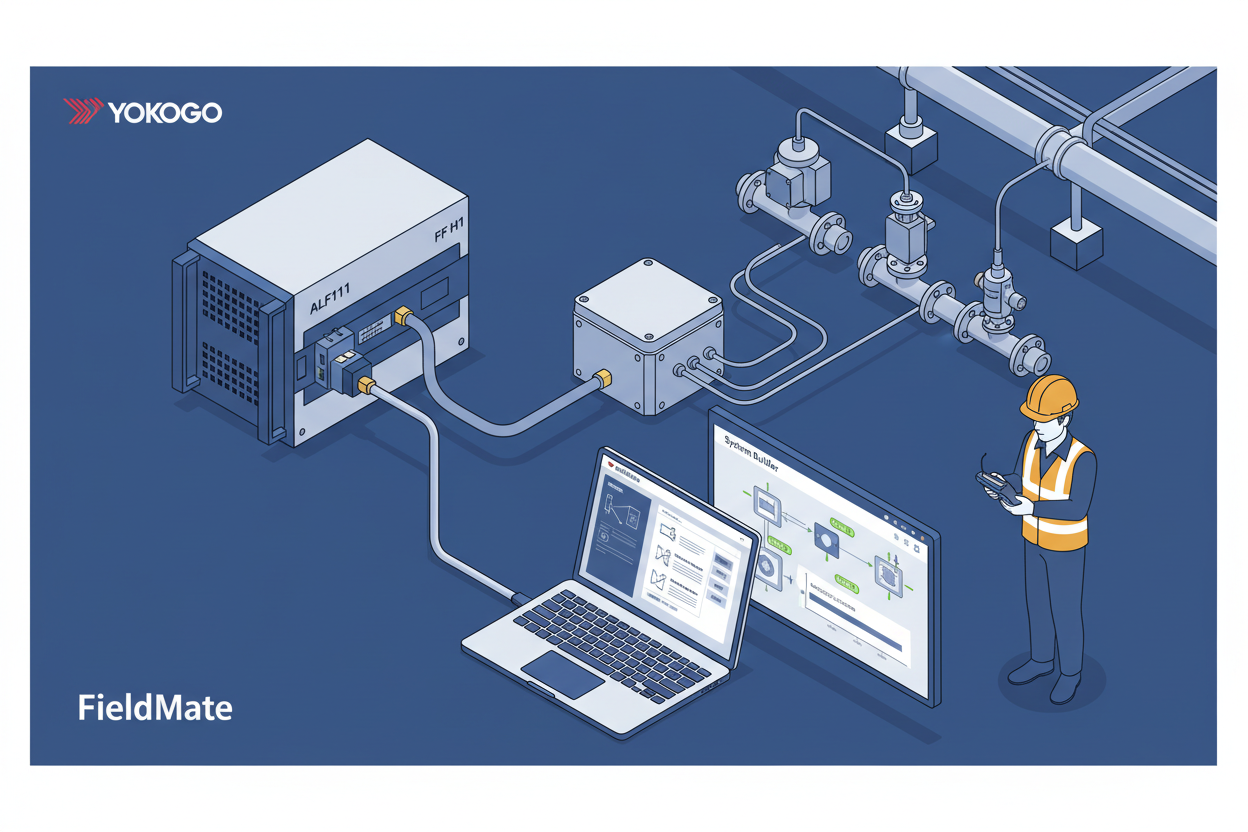
Yokogawa CENTUM VP provides native Foundation Fieldbus H1 support, enabling engineers to configure devices from operator stations and access asset management functions that monitor device health — reducing maintenance costs significantly. The Yokogawa ALF111-S00 FF Communication Module is the dedicated FF H1 interface card installed in the FCS rack, providing the link master functionality and physical FF H1 bus connection for each fieldbus segment.
Q: How Do I Configure the ALF111 FF Communication Card?
- Step 1: Install the ALF111 module in the FCS rack in the correct slot.
- Step 2: Connect the FF H1 cable to the module terminal. Verify termination resistors are installed at both segment ends.
- Step 3: Configure the link master parameters in System Builder. Set device tag names and addresses.
- Step 4: Set the macrocycle timing for the segment. Calculate macrocycle time carefully — include all function block execution times and add margin for device diagnostics. Typical macrocycle ranges from 500 ms to 1 second.
Q: How Do I Configure Devices with FieldMate?
- Step 1: Launch FieldMate from the engineering station.
- Step 2: Import device DD files from the FieldMate library. Download the latest DD files from the FieldComm Group website if needed.
- Step 3: Configure each device with proper parameters: transmitter range, engineering units, and alarm limits.
- Step 4: Create device configuration templates for similar device types. Apply templates to reduce configuration time. Verify template parameters match device capabilities and document all template configurations.
Q: How Do I Schedule Function Blocks for Optimal Performance?
Schedule function blocks in sequence — each block consumes macrocycle bandwidth. Schedule critical blocks first in the execution sequence and balance block execution across the macrocycle.
Monitor the macrocycle utilization percentage. If utilization exceeds 80%, remove unnecessary blocks or split devices across multiple segments. Optimize block execution order and test scheduling changes before production deployment.
Q: How Do I Diagnose and Troubleshoot FF Segment Faults?
- Step 1: Check the FF segment status in System Builder. Monitor the device online indicators for each node.
- Step 2: Monitor device communication quality and verify the signal quality for each device.
- Step 3: Verify bus voltage at segment ends (9–32 V DC). Check for grounding and shielding issues.
- Step 4: Test with a handheld FF communicator to communicate directly with the field device, bypassing the DCS for isolated diagnostics.
What Is the Key Action Advice?
Configure communication cards properly before connecting field devices — verify macrocycle timing with the FF segment design tool. Use FieldMate for efficient device management and create configuration templates to accelerate commissioning. Monitor segment health continuously and document all device configurations. For critical loops, consider redundant FF cards. Partner with Yokogawa for complex multi-segment implementations and advanced asset management configurations.
Author: Han Lei is an industrial automation engineer with over 10 years of experience in PLC, DCS, and control systems.


