

Troubleshooting EtherNet/IP Connection Faults on Allen-Bradley ControlLogix: A Field-Proven Diagnosis Sequence
Why Connection Faults Happen
EtherNet/IP is the Common Industrial Protocol (CIP) over standard Ethernet. It handles I/O and messaging on one network. Connection faults cause most EtherNet/IP downtime. ControlLogix scanners log every connection state. This guide gives a repeatable diagnosis order. Use it before you call vendor support.
Understand the Connection Model
CIP defines two device roles. A scanner (originator) requests data. An adapter (target) delivers it. ControlLogix 1756-EN2T and 1756-ENBT modules play both roles. I/O connections use a Requested Packet Interval (RPI). The adapter sends data at that rate. The default timeout equals four times the RPI. For example, an RPI of 20 ms gives an 80 ms timeout. Messaging connections use TCP port 44818. I/O traffic uses UDP port 2222. Multicast is possible on both. Every connection consumes scanner resources. Too many connections or an aggressive RPI overloads the CPU.
Six-Step Diagnosis Sequence
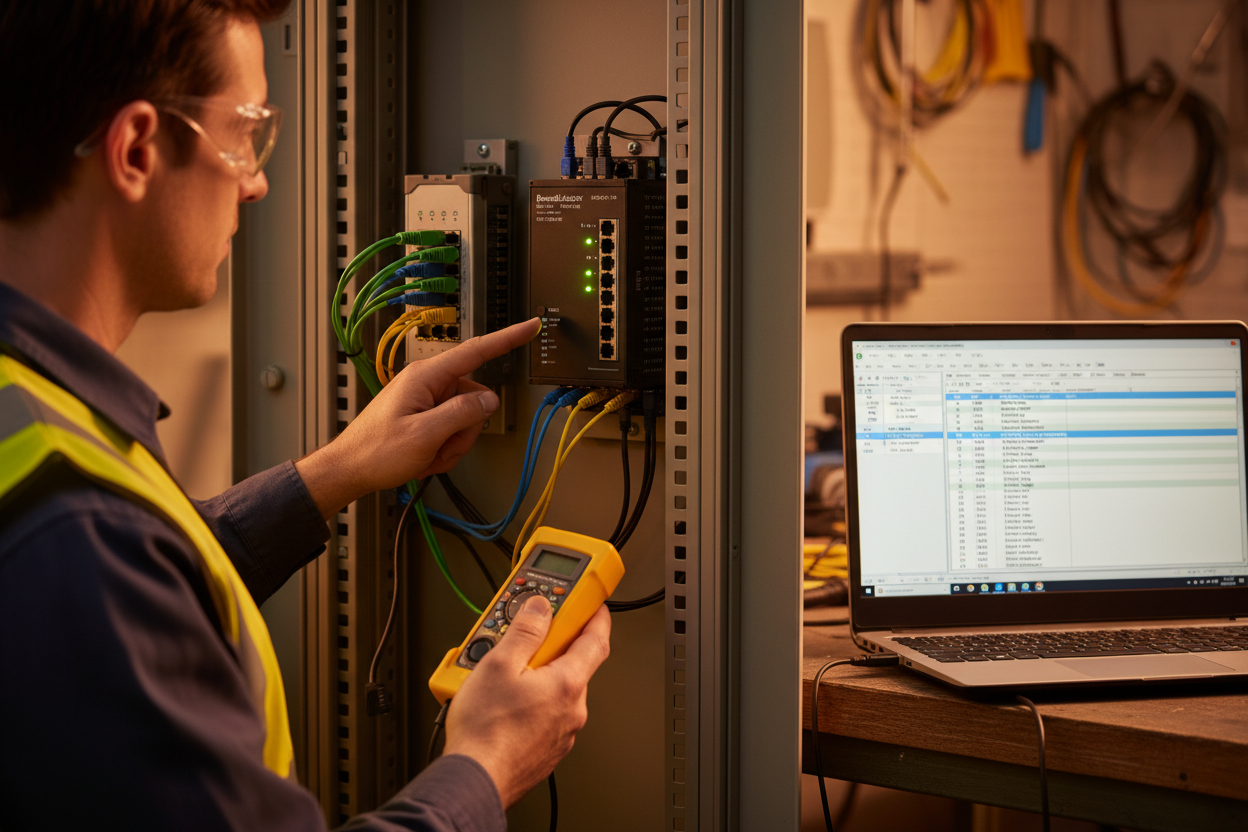
Step 1: Read the module LEDs. OK solid green means the module is healthy. NET A solid green means an active CIP connection. NET A flashing green means the link is up but idle. NET A off means no link. Record the pattern before touching anything.
Step 2: Check with FactoryTalk Linx. Browse the tree and confirm the module appears. Ping the module IP address. Open the module web page and check the connection counters.
Step 3: Inspect the physical path. Use shielded Cat5e cable or better. Check RJ45 termination and switch port LEDs. Force auto-negotiation on both ends. A duplex mismatch silently destroys throughput.
Step 4: Review the I/O configuration in Studio 5000. Confirm the RPI matches the device requirement. Enable unicast for dense networks. Multicast floods can saturate switches.
Step 5: Analyze MSG instruction errors. Monitor the .EN, .DN, and .ER bits. Read the error code in the .ER tag. Codes in the 16#02xx range indicate connection problems. 16#0204 means the connection timed out. Verify the path, the target state, and the RPI.
Step 6: Capture packets with Wireshark. Filter tcp.port == 44818 for messaging. Filter udp.port == 2222 for I/O. Look for Forward Open requests and their responses. Missing responses point to firewalls or VLAN filters. Check IGMP reports when multicast traffic disappears.
RPI Tuning: When and How
Most analog and discrete I/O runs at 20 to 100 ms. Fast servo and safety loops need 1 to 10 ms. Start with the vendor default. Increase the RPI until the faults stop. Watch CPU utilization during the test. Also watch the network bandwidth. A 10 ms RPI with 50 devices creates heavy traffic. Use unicast mode to keep the load predictable.
Common Fault Patterns
One module drops repeatedly. First, check the switch port error counters. Second, try a known-good cable. Moreover, verify the firmware revision matches the project.
All connections drop after a power cycle. This usually means a configuration mismatch or an IP conflict. Check the module keying and the scheduled connection table. Also check the DHCP server lease.
Intermittent drops during motor starts. EMI or voltage dips cause this pattern. However, worn connectors look identical. Check grounding and shield continuity before replacing modules.
Scanner resource errors. The module reached its connection limit. Therefore, increase the RPI or add a second scanner. Review the connection count on the module web page.
Multicast floods. One device floods the network with traffic. Force unicast in the module properties. This reduces switch load dramatically.
Conclusion & Action Advice
Work in a fixed order: physical, network, configuration, load. Never change an RPI without a documented reason. Record baselines for LED states and connection counts. Use unicast for dense networks. Finally, keep a spare configured module on the shelf. This discipline cuts mean time to repair by hours.
Author: Zhang Min is an industrial automation engineer with over 10 years of experience in PLC, DCS, and control systems.


