

Practical Allen-Bradley EtherNet/IP Troubleshooting Guide for CIP Sync Industrial Networks
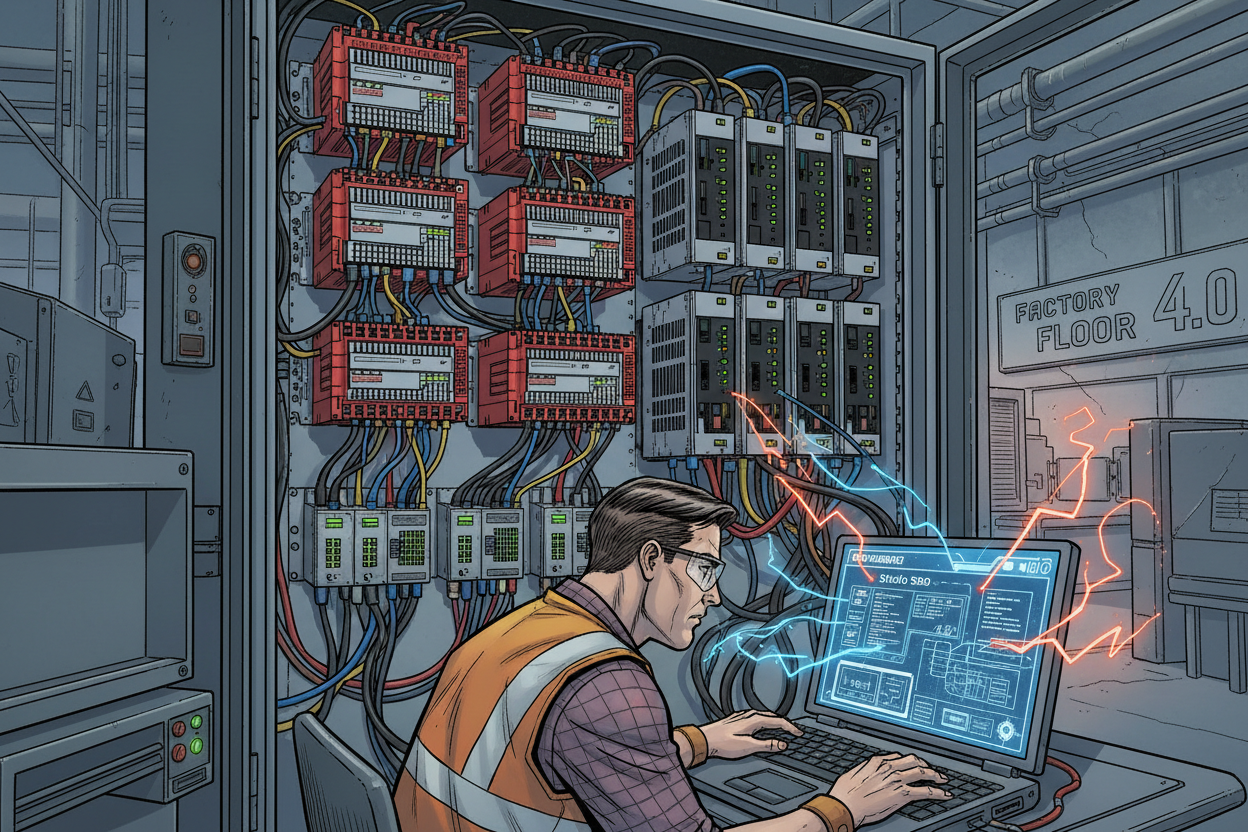
How Is Allen-Bradley EtherNet/IP Communication Structured in Industrial Networks?
EtherNet/IP is the backbone of modern factory automation, combining standard IEEE 802.3 Ethernet physical and data-link layers with the Common Industrial Protocol (CIP). In typical plant architectures, an Allen-Bradley ControlLogix controller acts as an EtherNet/IP scanner, managing cyclic I/O connections and explicit messaging to distributed adapter devices. Connection stability relies on matching IP addressing, subnet configuration, assembly data instances, and Requested Packet Interval (RPI) settings. Rather than making arbitrary parameter adjustments, engineers must follow a disciplined diagnosis sequence when communication loss alarms occur.
- Step 1 — Check controller I/O configuration tree status in Studio 5000 to identify specific module fault codes.
- Step 2 — Verify device IP assignments, subnet masks, gateway settings, and physical link LED states using certified industrial Ethernet cables.
How Do You Diagnose Allen-Bradley EtherNet/IP Connection Faults in Studio 5000?
EtherNet/IP connection dropouts generally stem from either incorrect module configuration or bandwidth saturation on the local subnet. A frequent root cause is an overly aggressive Requested Packet Interval (RPI). If a field adapter cannot service high-frequency packet requests, the scanner flags a connection timeout (Code 16#0203). Always review Studio 5000 module diagnostics, audit CIP connection budgets on modules like the 1756-EN4TR EtherNet/IP Module, and monitor managed switches for excessive broadcast or multicast traffic.
- Step 1 — Open Module Properties in Studio 5000 to inspect real-time connection status and detailed hexadecimal fault codes.
- Step 2 — Compare configured assembly instance numbers and byte sizes directly with the manufacturer device specification.
- Step 3 — Use port mirroring and protocol analyzers to detect packet drops, frame check sequence (FCS) errors, or multicast flooding.
How Do You Troubleshoot CIP Sync and IEEE 1588 PTP Time Synchronization Issues?
CIP Sync extends EtherNet/IP with IEEE 1588 Precision Time Protocol (PTP), delivering sub-microsecond clock synchronization essential for coordinated multi-axis motion and sequence of events (SOE) recording. A designated grandmaster clock—such as a ControlLogix controller or GPS time source—distributes the master reference. Synchronization failures often arise after network modifications when standard unmanaged switches are introduced. Unmanaged switches lack hardware timestamping, introducing queuing jitter that disrupts PTP boundary clock calculations.
- Step 1 — Identify the active grandmaster clock in Studio 5000 and ensure all synchronized motion axes lock to the identical master source.
- Step 2 — Verify CIP Sync status flags and clock offset values prior to enabling servo motion loops.
- Step 3 — Deploy PTP-compliant Stratix managed Ethernet switches configured for boundary clock or transparent clock modes.
What Is the Recommended Field Recovery Procedure for EtherNet/IP Network Failures?
A systematic recovery sequence minimizes plant downtime and prevents premature replacement of functioning control hardware. Document the failure state before power-cycling equipment, and verify layers from physical cabling up to CIP connection parameters.
- Step 1 — Record active controller fault codes, major/minor error logs, and module status LED patterns.
- Step 2 — Inspect physical RJ45 terminations, patch cables, and managed switch port link statistics for speed/duplex mismatches.
- Step 3 — Reconcile offline Studio 5000 project hardware configurations against physically installed firmware revisions and electronic keying rules.
- Step 4 — Validate cyclic data exchange incrementally before restoring machinery to automated production mode.
How Do You Improve Long-Term EtherNet/IP Network Reliability?
Sustained network uptime requires strict physical and logical network segmentation. Segregate high-traffic enterprise networks from deterministic machine control networks using industrial firewalls and VLANs. Implement IGMP snooping to constrain multicast traffic, calibrate RPI values based on actual process dynamics rather than arbitrary defaults, and maintain version-controlled backups of all controller project files and switch configurations.
- Step 1 — Enable IGMP snooping and query functions across all managed switches to prevent multicast saturation.
- Step 2 — Right-size RPI settings: reserve fast scan rates (under 10 ms) strictly for motion and safety interlocks, and move standard I/O to 20–50 ms.
- Step 3 — Conduct periodic network health audits to identify creeping bandwidth congestion before unexpected dropouts occur.
Conclusion & Action Advice
Troubleshooting Allen-Bradley EtherNet/IP and CIP Sync networks requires a disciplined approach that separates physical link faults from application-level CIP connection issues. By validating RPI limits, verifying IEEE 1588 grandmaster clock health, and utilizing PTP-aware infrastructure, engineers can eliminate ghost communication dropouts and ensure maximum ControlLogix availability.
Author: Zhangwei Liu is an industrial automation engineer with over 10 years of experience in PLC, DCS, and control systems.
Reference Sources: Technical standards on Common Industrial Protocol (CIP), IEEE 1588 Precision Time Protocol implementation, and Allen-Bradley EtherNet/IP network design guidelines.


